
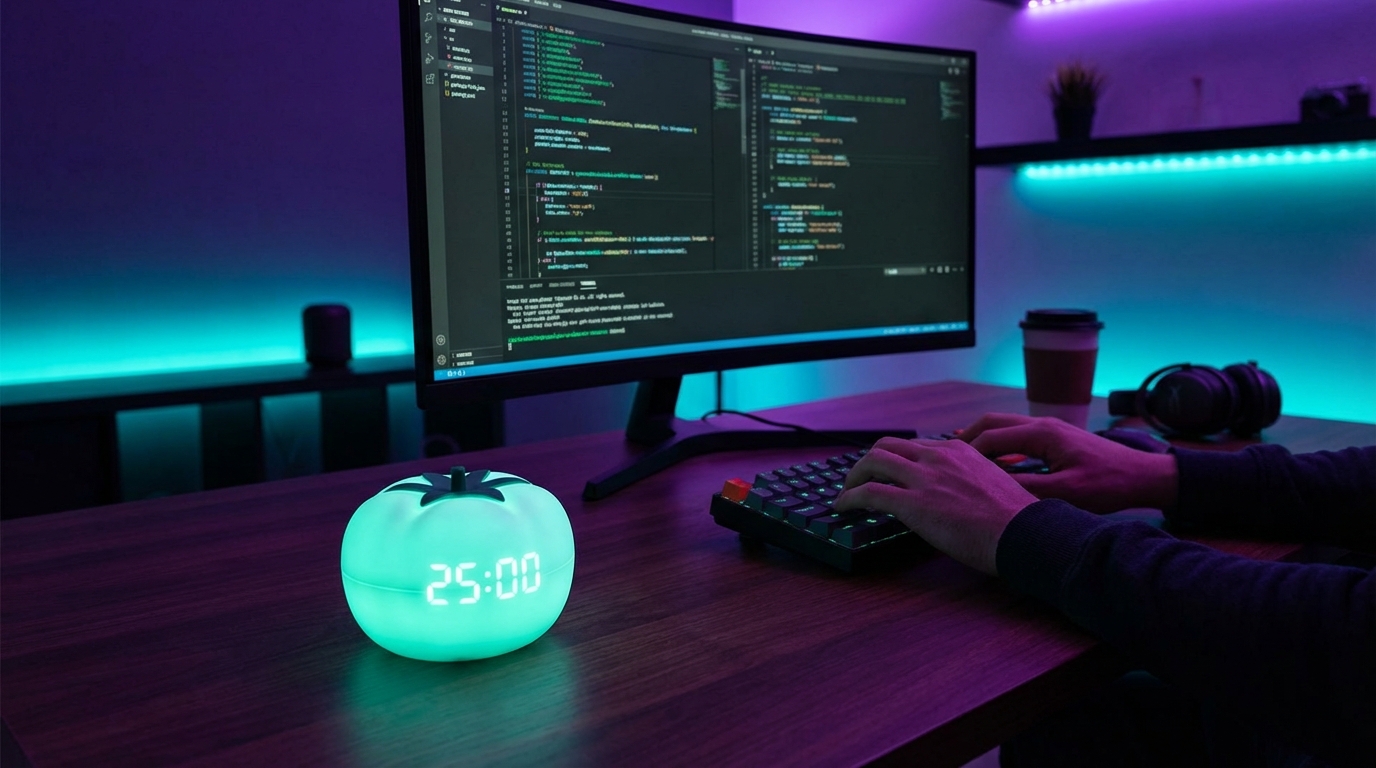
“The coders who win are not the ones who type fastest, but the ones who protect 25 focused minutes better than others protect entire days.”
The market for developer productivity is quietly re-pricing focus. Teams that get one extra “real hour” of deep work per engineer per day see output jump 20 to 40 percent, without hiring, without new tooling, and often just by enforcing one simple rule: 25 minutes on, 5 minutes off. The Pomodoro Technique looks trivial on the surface, but for coders it behaves like a unit of value: one Pomodoro becomes a predictable chunk of shipped code, reviewed PRs, or reduced bug count. Investors look for lower burn per feature shipped. Engineering leaders look for predictable throughput. Both groups underestimate how much that depends on managing attention, not headcount.
The story here is not about a cute timer on a desk. The story is about how coders sell focus back to themselves in 25-minute slices. Before Pomodoro, a developer day often fractures into Slack, standups, context switching, and half-written branches. After Pomodoro, a developer can say “I did 10 tomatoes today,” and that number maps cleanly to business value: tickets closed, defects avoided, and lead time reduced. The trend is not perfect, the data is noisy, but the pattern is clear enough: treat focus as a billable asset, track it like you track cloud spend, and returns follow.
The market for dev tools is mature. The market for dev habits is still underpriced. VC decks show charts about AI-assisted coding and platform engineering, but very few founders talk about a metric as simple as “Pomodoros per engineer per day that hit code review.” That metric, when tracked for a quarter, often predicts whether a startup hits roadmap milestones more accurately than raw hours or story points. The Pomodoro Technique gives coders a primitive that is simple, cheap, and easy to test. Twenty-five minutes, a timer, and the discipline to say “no” to interruptions. It sounds small. On a P&L, it is not.
“One extra hour of deep work per engineer per day often cuts feature delivery time by 20-30 percent over a quarter.”
Why Pomodoro matters for coders as an economic unit
The Pomodoro Technique breaks work into 25-minute sprints with short breaks. On paper, every engineer already knows how to “work for 25 minutes.” In practice, almost no one protects that block from interruptions. The business value comes from making each block atomic: no Slack, no email, no meetings, no context switching. Just code, tests, or architecture.
For a coder, the main cost is not typing. The main cost is context switching. Every time a developer switches from a complex function to a Slack thread, they pay a tax to reconstruct the mental state of the code. Researchers have measured context switch recovery time in knowledge work at 10 to 20 minutes per interruption. That recovery time is where a lot of a startup’s burn goes to die.
Investors care about:
– Lead time from idea to deployment
– Bug rates in production
– Rework ratios on features
All three link directly to how long a coder can hold a problem in their head without interruption. The Pomodoro Technique, applied strictly, increases that window.
“Teams that reduce context switches by even 30 percent often see bug rates fall by double digits over two quarters.”
The trend is not clean. Some engineers resist timers. Some tasks do not fit neatly into 25 minutes. But the pattern that emerges is that what gets measured gets managed. When developers measure Pomodoros instead of just hours, they start to notice where their focus leaks.
How the Pomodoro Technique actually works for coders
The classic recipe is simple:
1. Pick a task
2. Set a 25-minute timer
3. Work on that task only
4. When the timer rings, take a 5-minute break
5. After 4 cycles, take a longer break (15 to 30 minutes)
For a coder, this structure needs translation into the realities of debugging, refactoring, and pair programming.
Mapping Pomodoros to coding work units
Think about common developer tasks:
– Implementing a ticket
– Debugging a production bug
– Reviewing a pull request
– Writing tests
– Planning architecture or reading docs
Each of these can be broken into micro-goals that fit 1 to 3 Pomodoros. The business value emerges when a team can say things like:
– “A typical PR review is 1 Pomodoro.”
– “A small feature is 4 to 6 Pomodoros from start to PR.”
– “An average on-call incident requires 2 to 5 Pomodoros to stabilize and patch.”
Once you have these mappings, you can plan capacity with more accuracy than with vague “story points.”
Setting Pomodoros for deep coding vs shallow coding
Not all coding is equal. There is “deep coding” and “shallow coding.”
Deep coding:
– Designing a complex algorithm or data model
– Refactoring core modules
– Debugging race conditions
– Integrating across services with many side effects
Shallow coding:
– Updating copy
– Small CSS tweaks
– Swapping out a library version
– Simple bug fixes with clear steps
For deep coding, Pomodoros need strict protection. That is where context switching hurts most. For shallow coding, interruptions do less damage. Many teams find value in reserving a block of 4 to 6 Pomodoros per day for deep coding and letting the rest flex.
Quantifying the ROI of Pomodoro for engineering teams
The Pomodoro Technique is often positioned as a personal productivity trick. For startups, it is more useful to think of it as a lightweight metering layer for focus. Once you track Pomodoros, you can tie them to delivery metrics.
Some practical examples:
– Measure how many Pomodoros a typical feature consumes from spec to merged.
– Track bug reports per Pomodoro of QA work.
– Track time-to-restore per incident in Pomodoros.
Over a quarter, patterns appear:
– Certain areas of the codebase eat more Pomodoros than others.
– Some engineers ship more “high quality Pomodoros” than others.
– Meetings dilute Pomodoro counts on certain days of the week.
You can then adjust priorities, refactors, and staffing with better visibility.
“When teams start tracking Pomodoros per feature, they often discover chronic scope creep that was invisible under ‘normal’ time tracking.”
Pomodoro vs classic time tracking for coders
Traditional time tracking in engineering often fails. Engineers hate “timesheets.” Managers get noisy data. The value is questionable.
Pomodoro changes the unit:
– You are not tracking minutes; you are tracking focused blocks.
– You are not trying to log everything; you are counting “clean” sprints.
– You are not punishing context switches; you are making them visible.
This small shift changes the conversation. Instead of “You only worked 5 hours yesterday,” a manager can say, “You only got 5 Pomodoros of focused work because you were in 4 hours of meetings. Our process is expensive.”
The business ROI is in better decisions about:
– Meeting load
– On-call rotations
– Codebase complexity hotspots
– Where to invest in tooling or refactors
Practical Pomodoro setup for coders
Tools that work with an engineer’s flow
Coders have more friction with browser timers than with tools that sit where they work: in the editor or terminal.
Common patterns:
– VS Code extensions with Pomodoro timers
– Terminal-based timers for those who live in tmux or Vim
– CLI scripts that log Pomodoros to a CSV or simple API
– Lightweight desktop apps with keyboard shortcuts
The key is low friction. Starting a Pomodoro should be as easy as hitting one key or running one short command.
Defining “no-interruption” rules
The Pomodoro Technique only pays off if a 25-minute block is actually protected. For that, teams often agree on rules:
– During a Pomodoro, Slack is set to “Do not disturb.”
– No one taps someone on the shoulder unless production is on fire.
– Calendar blocks show “Focus time” and are respected like meetings.
These rules are not about control. They are about preserving enough deep work to make the payroll line worth it.
Making breaks work for the brain
The 5-minute break is not for email. It is for cognitive reset.
Good break habits:
– Stand up and move
– Look away from the screen
– Drink water
– Do nothing for a few minutes
Bad break habits:
– Check Slack
– Read email
– Open Twitter or news sites
The break is part of the system. If coders treat breaks as “mini context switches into other work,” the effect of Pomodoro falls.
Edge cases: debugging, pair programming, and meetings
Not all coding fits cleanly into 25-minute boxes. Some work needs adaptation.
Debugging sessions
Serious debugging can stretch across hours. A bug in a concurrency system or a broken deployment pipeline will not respect your timer.
Here is a workable model:
– Start with a hypothesis-driven approach: one clear hypothesis per Pomodoro.
– At the start of each Pomodoro, write down “I am testing X.”
– At the end, log “Result: A, B, or C; next hypothesis.”
This structure forces clarity. It reduces flailing and aimless log surfing. Over time, your incident postmortems have richer data: how many hypotheses, how many Pomodoros, what type of bug.
Pair programming and mob sessions
For pair programming, one shared timer helps keep both people aligned. A 25-minute block feels natural for:
– Co-writing a tricky function
– Doing guided TDD
– Walking through a code review live
The group can take a 5-minute break together. Socially, the timer helps prevent silent fatigue or one person hogging the keyboard for long stretches.
Meetings and ceremonies
Meetings do not map directly to Pomodoros. A 30 or 60-minute meeting breaks the cadence. Still, you can Pomodoro around meetings:
– Schedule blocks of 2 to 3 Pomodoros before and after key meetings.
– Protect at least one “meeting free” chunk per day with 3 to 4 Pomodoros in a row.
Over time, you might find that certain meetings destroy the flow so badly that they get moved, shortened, or canceled. That discovery is another ROI channel.
How Pomodoro changes code quality
Code quality is often treated as an aesthetic issue. In reality, it is an economic one. Higher quality code costs less to maintain, scales better under changing requirements, and produces fewer outages. The link to Pomodoro is subtle but real.
Focus and defect rates
When a developer holds a large mental model of the code, they spot edge cases earlier. If that model gets interrupted, they fall back to “happy path” thinking.
Common failure modes under high interruption:
– Forgetting to handle nulls or unexpected types
– Overlooking timeouts and retries in network calls
– Missing authorization checks
– Writing fragile tests that mirror implementation, not intent
Under Pomodoro, the coder spends more uninterrupted time tracing through variants in their head. Over weeks, defect rates in complex modules tend to drop.
Refactoring and long-term cost
Refactoring rarely feels urgent. Under time pressure, teams skip it. Months later, velocity drops and no one can fully explain why.
Pomodoro supports refactoring in two ways:
1. It creates visible units for refactor work: “We budget 2 Pomodoros per day for refactors.”
2. It provides a limit: you keep refactor tasks small enough to fit a few Pomodoros and get merged quickly.
Small, Pomodoro-sized refactors pay dividend later when you track Pomodoros per feature and see less time spent fighting the codebase.
Individual coder perspective: making Pomodoro stick
Not every engineer will like the timer on day one. Adoption struggles are normal.
False starts and what usually breaks
Common failure patterns:
– Overcommitting: trying to do 12 to 14 Pomodoros a day from scratch
– Underplanning: starting a Pomodoro without a clear, small target
– Treating Pomodoros as a strict law instead of a guide
A more practical starting line:
– Start with a daily target of 4 focused Pomodoros.
– Define clear sub-tasks that fit 1 to 2 Pomodoros.
– Increase to 6 to 8 Pomodoros over a few weeks if it feels natural.
The metric is not perfection. The metric is an upward trend in “good” Pomodoros that map to shipped work.
Aligning Pomodoro with energy levels
Coders do not have constant energy across the day. Many do best in the first 2 to 4 hours after they begin. Others spike at night.
The Pomodoro Technique lets you match your schedule to your energy:
– Put your hardest work into your first 3 to 4 Pomodoros of the day.
– Reserve shallow tasks for later Pomodoros when the brain is tired.
Over time, you learn: “My first 2 Pomodoros are premium; do not waste them on admin.”
Team-level rollout: from solo habit to culture
For Pomodoro to show up in delivery metrics, it needs some level of team adoption. That does not mean everyone must carry a tomato timer. It does mean the team needs shared norms.
Pilot with a small group
Rolling Pomodoro out to an entire 20-person team in one go often fails. A better approach:
– Pick 3 to 5 volunteers
– Run a 4-week experiment
– Ask them to track Pomodoros and basic outputs (PRs, tickets)
At the end of the period, compare:
– Perceived stress levels
– Perceived focus
– Measurable delivery on their tasks
If results are positive, you have internal case studies instead of abstract theory.
Translate Pomodoros into planning language
Once a few people are consistent, you can begin using Pomodoro counts in planning:
– During grooming: “This ticket feels like 6 to 8 Pomodoros.”
– During standup: “Yesterday I got 5 Pomodoros, 3 on Feature X, 2 on Bug Y.”
This changes the daily conversation away from “hours worked” and toward “units of focused progress.”
Cost comparison: focus tools vs classic productivity spend
Companies spend heavily on:
– SaaS tools
– AI coding assistants
– Trainings and workshops
Pomodoro sits at a very different price point. It is basically free, short of some timer software and a bit of coaching time. To highlight the difference, we can compare old hardware focus aids and current smartphone-heavy work, as a tongue-in-cheek “Then vs Now” look at how much distraction has crept into the coder’s day.
Then vs Now: coder environment and focus
| Coder Environment | Then (2005 setup) | Now (2026 setup) |
|---|---|---|
| Primary device | Desktop PC, single monitor, few background apps | Laptop with 2-3 monitors, many apps and tabs |
| Communication | IRC, email checked a few times a day | Slack, Teams, Discord, constant notifications |
| Build times | Slower builds, forced natural pauses | Fast builds, but more temptation to context switch while waiting |
| Distraction sources | Fewer social networks, no smartphone push alerts | Smartphone pings, social feeds, internal channels, external chats |
| Time tracking | Manual timesheets or none at all | Jira logs, calendar events, but still poor focus metrics |
| Focus management | Cafe breaks, headphones, door closed | Digital timers, “Do not disturb,” Pomodoro-style blocks |
The hardware improved. The cognitive load did not. Pomodoro is one of the few tools that addresses the real bottleneck: attention.
Retro specs: how older coders viewed focus and timing
Long before Pomodoro became a buzzword among knowledge workers, many developers had their own timing habits, even if they did not label them.
“Back in 2005, my ‘Pomodoro’ was just a smoke break after 20 minutes of banging my head on C++ templates.”
Older coders recall periods where they would:
– Hack intensely for 30 to 40 minutes
– Get up, grab coffee or step outside
– Come back and attack the same problem with a fresh angle
The structure was there, but it was informal and unmeasured. Today, Pomodoro adds explicit timing and tracking.
User reviews from 2005 vs now
Imagine two developers, one from 2005 and one from today, reacting to structured timing.
| Aspect | Coder Review (circa 2005) | Coder Review (2026) |
|---|---|---|
| Reaction to timers | “I do not need a kitchen timer, I just code until I am stuck.” | “If I do not run a timer, Slack and email eat my entire morning.” |
| Interruptions | “Colleagues drop by, but emails can wait, I check them twice a day.” | “Standups, DMs, calendar pings fight each other all day.” |
| Meeting load | “Weekly planning and maybe one or two ad-hoc meetings.” | “Daily standups, retros, planning, grooming, 1:1s, and ad-hoc calls.” |
| View on focus | “Focus is just getting in the zone with my editor and music.” | “Focus is something I have to schedule on my calendar to protect.” |
| View on Pomodoro | “Feels like overkill, but maybe nice for junior devs.” | “One of the few tools that actually helps me ship without burning out.” |
The environment changed around coders. The appetite for something like Pomodoro rose not because timers are trendy, but because interruptions scaled faster than any one brain can handle.
Nokia 3310 vs iPhone 17: distraction hardware and focus
It might seem odd to compare phones in an article about coders and Pomodoro, but the phone in a pocket controls a surprising amount of focus leakage. To drive that home, think about the tools that lived around a coder’s desk in 2005 vs now.
| Phone Model | Nokia 3310 (Then) | iPhone 17 (Now) |
|---|---|---|
| Main function | Calls and SMS | General-purpose computer, messaging hub, social portal |
| Notification type | Occasional text or call | Dozens of app alerts, chat pings, calendar reminders |
| Distraction potential at desk | Low: usually stays in pocket until it rings | High: always on desk, lit up with notifications |
| Impact on coding focus | Minimal, interruptions tied to real people reaching out | Constant micro-interruptions from apps, socials, and work tools |
| Need for formal focus system | Lower, environment quieter by default | Higher, Pomodoro and “Do not disturb” become survival tools |
This “then vs now” helps explain why Pomodoro feels more relevant now than when Francesco Cirillo first came up with the idea. The tool stayed the same. The distraction layer exploded. The timer is a counterweight.
How to measure success: signals Pomodoro is paying off
For a founder, lead, or CTO, the key question is not “Do developers like Pomodoro?” The real question is “Does this make our shipping engine more predictable and less wasteful?”
Some signs that the answer is yes:
– Sprint volatility drops. Stories finish within the predicted Pomodoro range more often.
– Unplanned work remains, but it stops hijacking entire days.
– Engineers report feeling tired at the end of the day, but not scattered.
At the individual level:
– The number of “half-finished branches” drops.
– Context switching anxiety drops because focus blocks are protected.
– Code reviews feel calmer because the author remembers the full context.
From a business standpoint, Pomodoro is unusual: very low financial cost, moderate habit cost, moderate training cost, and potential upside on par with far more expensive tooling. The trend is not clear yet for every company, but the pattern where teams commit to tracking focused blocks and then get more work done without adding people keeps repeating.
No one closes a funding round because they say “Our team uses Pomodoro.” But the companies that meet their product roadmap milestones on time often have some shared method for protecting coder focus. Among those methods, this simple 25-minute discipline holds up well under pressure.